
Meet the ArchitectBuddies™
AI agents that work on your model with the tools the app gives them: adding elements and connectors, arranging views, assessing quality and writing documents. You decide their skills, how much they do and when they stop for your input.
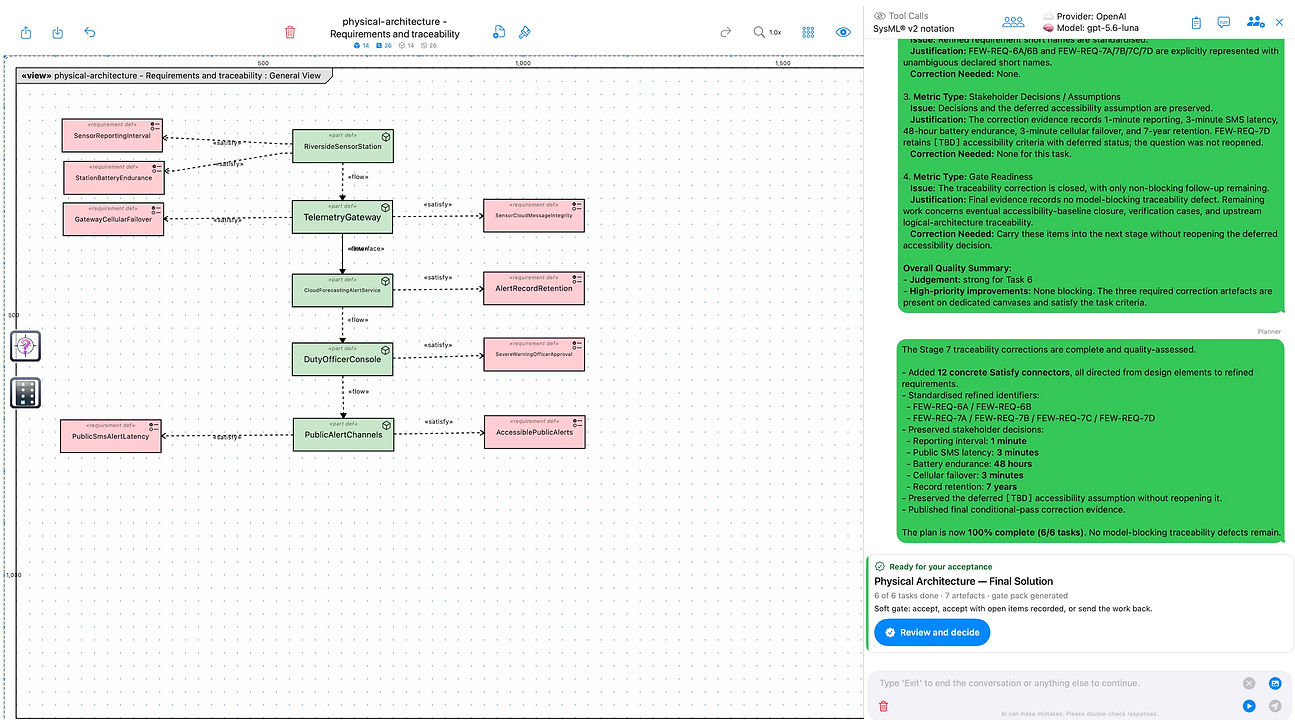
AchitectBuddies™ with Pro features running on MacMini (Designed for iPad) - the chat view appears on the right of the screen. On the iPad the chat view is a pop-up view in the centre of the screen.
Enter text to chat with your Buddy / Team of Buddies in the chat view.
The conversation history is above.
One Buddy or a Team of Buddies
One Buddy
1
2
3
Ask for a change in your own words.
The Buddy edits the canvas and reports what it did.
Keep the change, or undo it.
↩ Then ask for the next change.
◀
Team
1
Describe the outcome you want.
2
3
4
5
6
7
The Planner drafts a plan: scope, stages, tasks, artefacts.
Review it. Approve and start, edit it, or ask for changes.
The specialists work through it task by task.
Answer their decisions, or let them continue on stated assumptions.
↩ Back to step 4: the work carries on with your answer.
At the end of each stage, review the gate: accept it, accept it with variances, or send it back.
↩ Sent back? The team returns to step 4. Say in the chat what to change.
Save the documents they write, or discard them.
↩ Next stage: back to step 2, with a new plan for that stage.
◀
◀
◀
your move
↩ loops back
Switch between the two with the mode chip at the top of the chat. The plan stays loaded while you make hands-on edits with One Buddy. A new piece of work starts again at step 1.
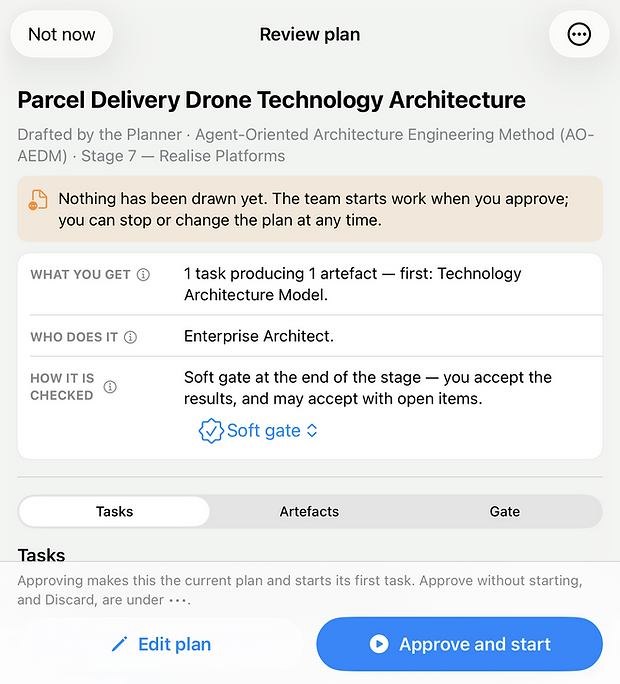
Six ways to start
An empty chat opens on these starting points. Each one is tagged with how it works.
Model with One Buddy
Direct One Buddy to add, change, move or remove model content.
One Buddy · no plan
Let the team plan and then build
The Planner drafts a plan, you approve it, the specialists work through it with you.
Team · plan first
Make your own plan and then build
Start from a template, a method stage or a blank plan, then let the team build it.
Team · your plan
Review this model
The Quality Assessor reports its findings; the Planner then drafts a plan to fix them.
Team · findings, then a plan
Write it up
The Architecture Narrator writes a description from what is already modelled.
Team · no plan
Create a canvas from an image
Pick a photo, file or pasted screenshot of a diagram and One Buddy redraws it.
One Buddy · no plan

The specialists
Choose how many Buddies are on the team and the skill of each in Chat Settings. These come with the app:
P
Planner
Drafts the plan and keeps the team on it
RM
Requirements Manager
Captures and traces requirements
EA
Enterprise Architect
Creates, updates and deletes model elements
QA
Quality Assessor
Assesses models and reports findings
SA
SysML Architect
Parts, ports, interfaces and requirements in SysML® v2
AN
Architecture Narrator
Writes architecture documents
UA
UML Architect
Classes, components and behaviour in UML® 2.5.1
VI
View Illustrator
Creates pictures from views
VM
View Manager
Lays out and tidies views
SS
Stage specialists
Intent, service, information, solution, technology, security and transformation architects
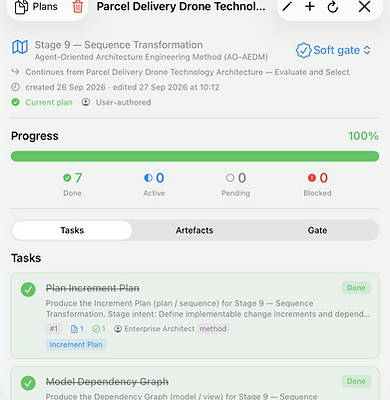
Plans that follow a method
Team plans are split into stages that end at a gate, soft or hard, which you accept. By default the Planner works to AO-AEDM, the app’s Agent-Oriented Architecture Engineering Method. Or write the plan yourself: the New Plan wizard starts from a template, a method stage or a blank plan. Each stage produces a gate pack, and the Architecture Narrator writes Word documents aligned with ISO/IEC/IEEE 42010.
Good to know
You bring the AI
ArchitectBuddies™ Pro subscription includes the agent skills and AI harness; you must provide the AI model they use, either by using a 3rd party cloud AI service (which comes with an API key), installing Ollama on a networked device, or freely downloading a model onto your device.
You set the pace
Choose whether the Team of Buddies stop; after each Buddy speaks, after they have all finished a round in the conversation, or when they decide. You can stop the conversation at any time to redirect or, to switch to One Buddy mode to make precise changes or, to make changes yourself.
No model trained on standards
We have not trained or fine-tuned any language model, and no standards documents are passed to the AI interface.
ArchiMate® canvases
To use ArchitectBuddies™ with ArchiMate® canvases, you need both ArchitectBuddies™ Pro and the Enterprise Architecture Notation subscriptions.