top of page

Step 1 - Get yourself an API Key for your selected AI Provider

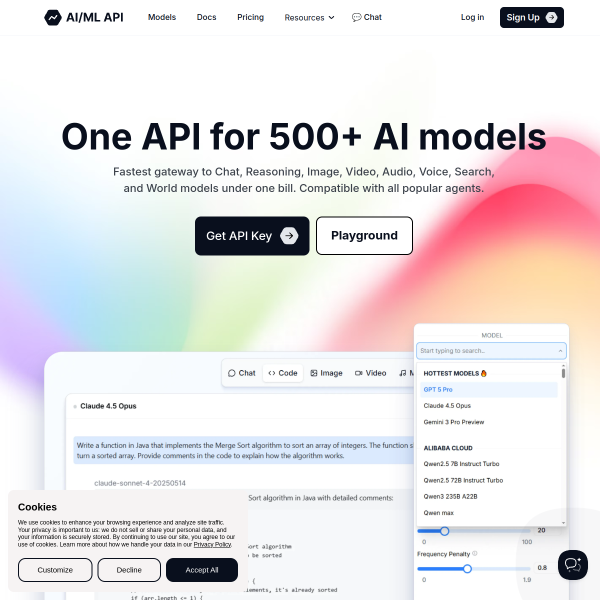
AI/ML API

Log In/Sign Up and create an API key. Make sure to select Chat, Image & Responses

OpenAI

Log In/Create an Account, then generate an API key

Anthropic

Log In/Sign Up, then create an API key

Google AI Studio

Log In/Sign Up, then create a Gemini API key

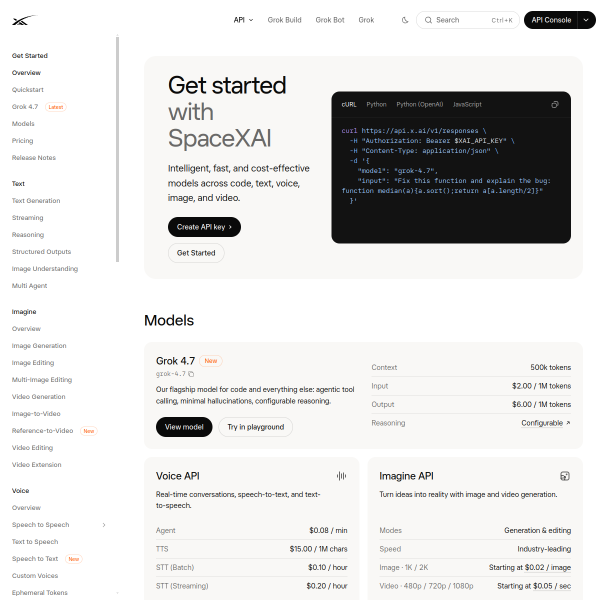
X.AI Grok

Log In/Create an XAI Account, then generate an API key.

Step 2 - Add your key in the app

In ArchitectBuddies™, open the chat with the Architect Buddies™ button (⌘T), then open Chat Settings.

Choose your provider, paste in the API key you just created and pick a model. Your model is only sent to the provider you choose.

Keep your key private. Never send it to anyone, including us.


← Back to Getting started

Orange-to-blue gradient divider line
ArchitectBuddies app icon

ArchitectBuddies™

Enterprise, systems and software architecture for iPad and Mac.

ArchiMate is a registered trademark of The Open Group in the United States and other countries.

OMG, SysML and UML are registered trademarks of Object Management Group, Inc. in the United States and/or other countries.

Apple, iPad, Mac and App Store are trademarks of Apple Inc., registered in the U.S. and other countries and regions.

The Arcadia-aligned planner is an independent implementation of the publicly described Arcadia method and is not affiliated with or endorsed by its originators.

© 2026 Hytsioaboa Software Limited. ArchitectBuddies™ and HytsioStudio are trading names of Hytsioaboa Software Limited. Registered in England and Wales, Company No. 16784431. Registered Office: 1 Pastoral Road, Bristol, BS35 1BG.

bottom of page